Microsoft 365 users and groups backup selection
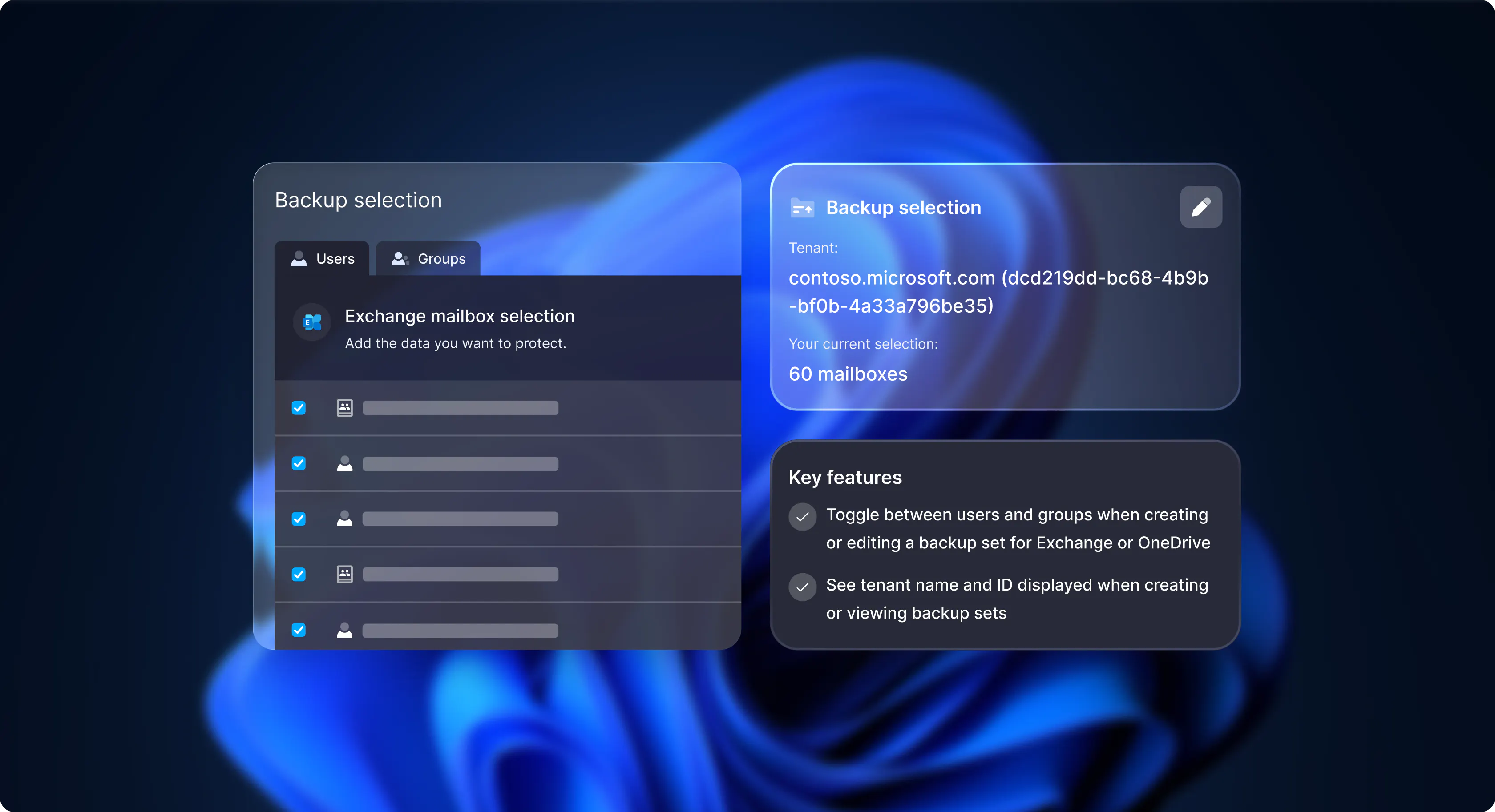
We’re pleased to share our final Microsoft 365 backup product release of the year, introducing two enhancements to our Data Protection platform that bring more flexibility and clarity — making it easier to fine-tune your backup configuration.
Switch between users and groups when creating or editing backups

We’re making Microsoft 365 backup set creation in our platform more flexible — with the ability to switch between users and groups when setting up your backups.
Previously, when creating a backup set for Microsoft 365 services such as Exchange or OneDrive, it wasn’t possible to change between user and group selection types after the backup set was added.
You’ll soon be able to toggle between users and groups seamlessly when:
creating a new backup set for a selected M365 service
editing an existing backup set
This new flexibility means no more starting over from scratch — just smooth adjustments that keep your data protection setup aligned with your evolving needs.
With easier switching and smarter configuration, you’ll save time, reduce friction, and stay fully in control of your M365 backups.
Tenant details display
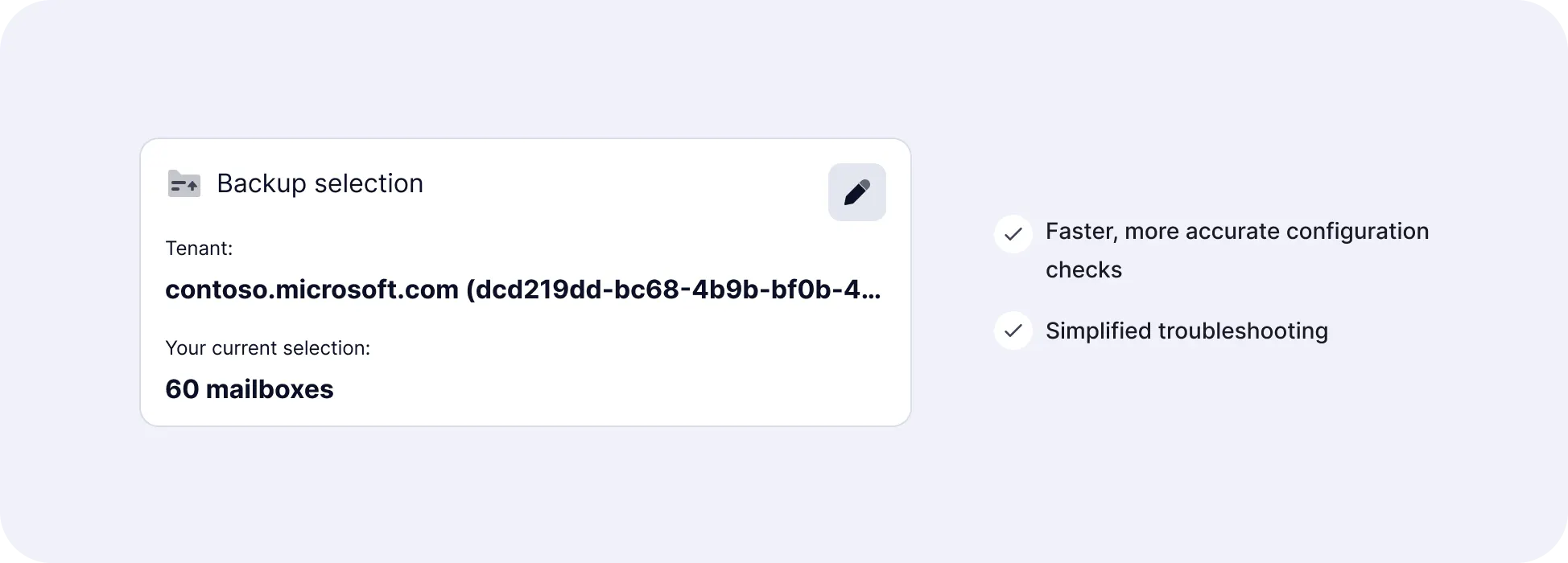
No more guessing which tenant your Microsoft 365 backup set belongs to.
You’ll now see tenant name and ID displayed when creating or viewing backup sets — making configuration validation and troubleshooting effortless.
There’s plenty more on the way in the new year. If you’d like to be the first to hear what’s in progress — and help shape new features — we’d love you to join our M365 backup focus group 👉 JOIN NOW
