Mon, Oct 13
Scheduled email reports
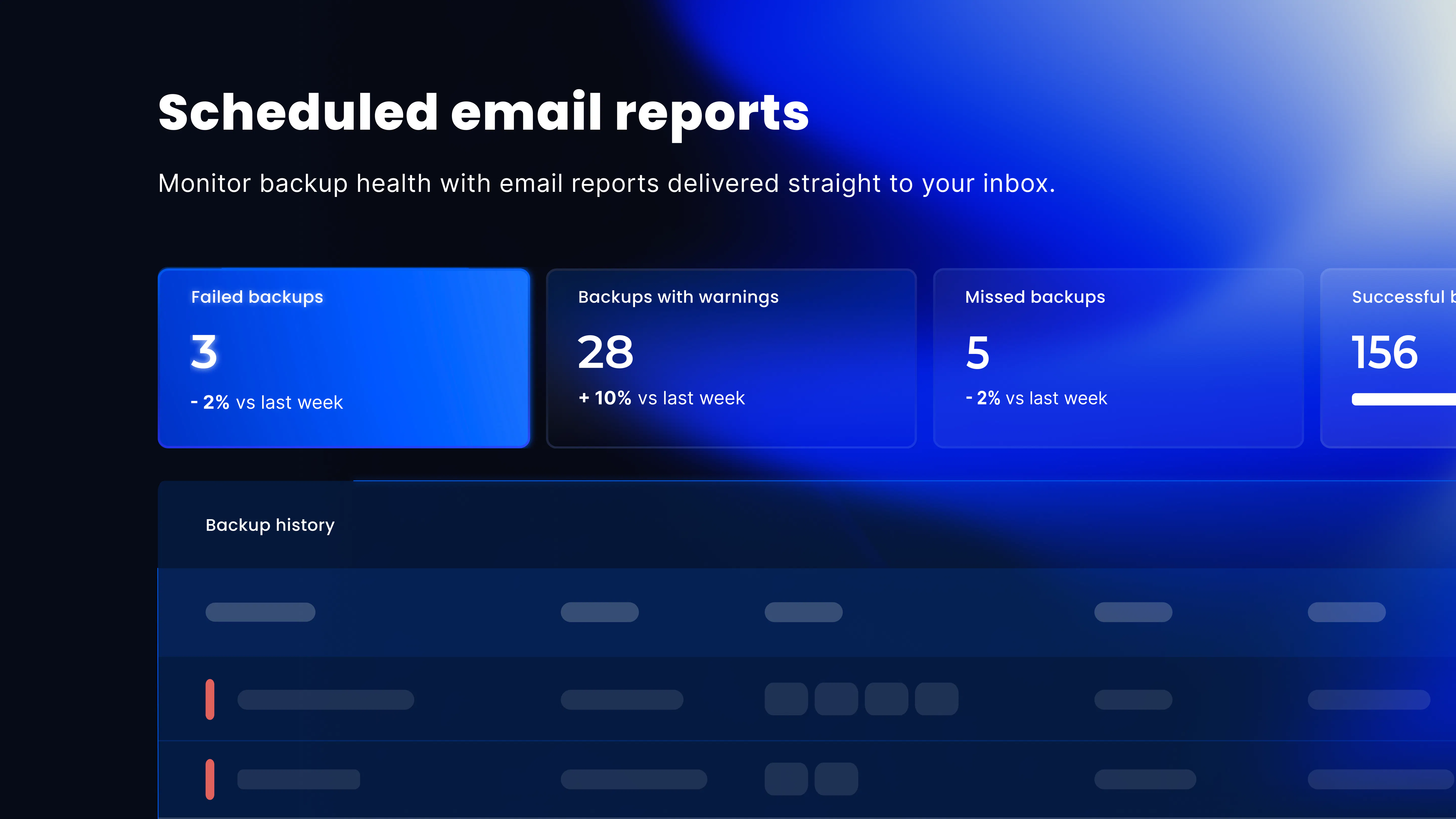
You can schedule and receive reports directly via email, giving you a simple way to monitor the health of your and your customers’ backups.
What you can do
Custom scheduling: Choose to receive reports daily, weekly, or monthly.
Flexible data scope: Generate reports for your entire estate or a single customer.
Shared insights: Add multiple recipients to keep your team aligned.
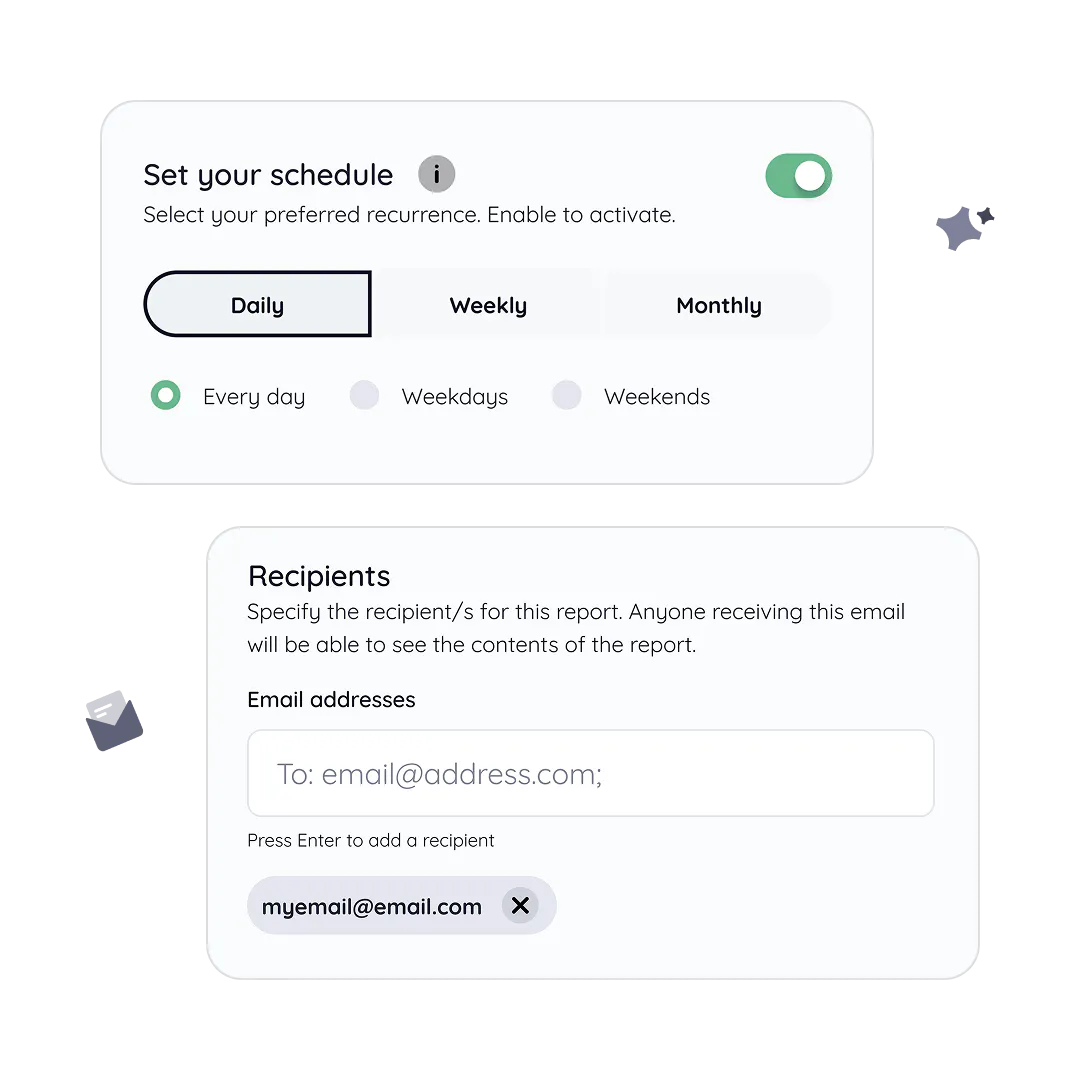
Available now
Combined overview report
Get a daily summary of cloud and machine backups from the past 24 hours — a quick view of what’s healthy and what needs attention.
Backup errors (infrastructure & SaaS)
Quickly identify failures and warnings.
Coming soon
Consumption report: Track usage trends and data growth over the last 30 days.
Where to find it

Navigate to Settings → Company profile → Reports, or click the reports icon on the My Company dashboard.
💬 Got feedback?
Tell us what you think or share ideas to make reporting even better.
1
1 reply
10/20/2025
