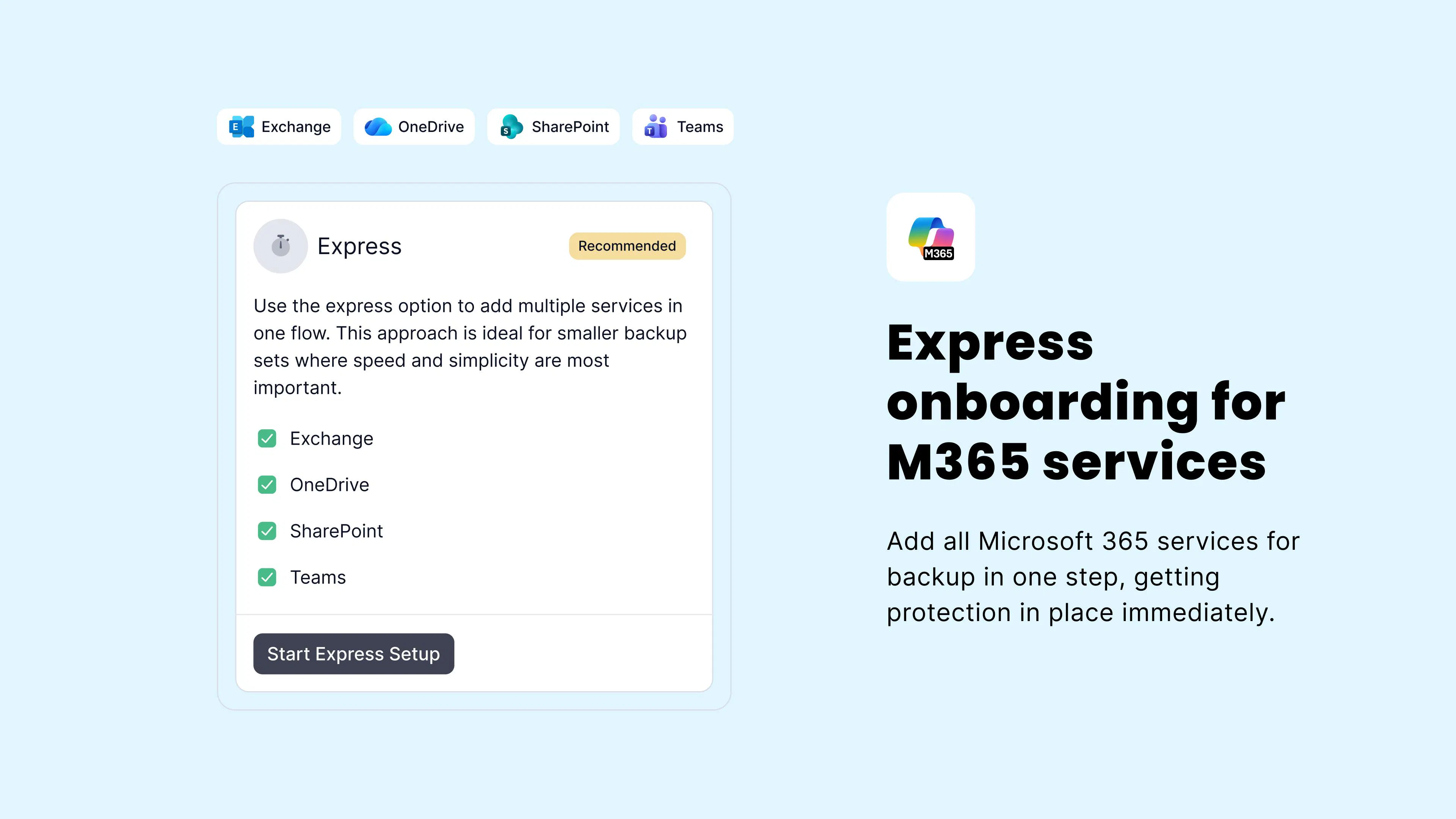
Setting up Microsoft 365 backup has historically meant connecting each service individually, a repetitive process that adds time and friction, particularly when you're onboarding multiple clients. We've been listening to your feedback, and we're making a change.
What we're building
Soon, you'll be able to add Exchange, OneDrive, SharePoint, and Teams in a single, unified flow, with no more repeating the same steps for each service. Our new express route approach brings everything together for a faster, cleaner onboarding experience, getting protection in place from the moment setup is complete.
What to expect
We're rolling this out in phases:
Phase one: Add all selected Microsoft 365 services in one guided flow
Phase two: Authenticate with Microsoft just once across all services
We'd love your thoughts
As we continue to develop this, your input helps us get it right. A few things we're keen to hear from you on:
Which Microsoft 365 services do you prioritise when onboarding a new client?
What causes the most friction in your current setup process?
Are there other onboarding improvements you'd like to see alongside this?
👉 Drop your thoughts in the comments below, or reach out to Adriana Mironova directly.